Visual Bot Builder Explained for Ecommerce Stores
Abandoned carts and "where is my order" messages cost ecommerce stores real revenue every day. A visual bot builder lets you answer both without hiring a developer or waiting on a support queue.
This article explains how drag-and-drop bot logic works, what triggers, flows and actions actually do, and how to design order updates and cart recovery sequences. You will also see which channels fit which jobs, how to measure bot performance, and how Com.bot approaches visual building for stores.
What a Visual Bot Builder Actually Does for an Ecommerce Store
A visual bot builder replaces hand-coded scripts with a drag-and-drop canvas, letting ecommerce teams assemble conversation flows in minutes instead of days. Instead of writing functions and managing deployments, staff drag blocks onto a canvas and connect them to shape how a bot responds.
These tools are a type of no-code platform: the logic lives in the interface, not in a codebase. That means no developer backlog, faster iteration when a flow underperforms, and simpler upkeep as a store's needs change season to season.
For online retailers, the payoff shows up in three recurring jobs. Customer support automation handles repetitive questions around shipping, returns, and sizing. Abandoned cart recovery nudges shoppers who left items behind. And conversational commerce turns browsing chats into guided purchases through product recommendations and checkout prompts.
Drag-and-Drop Logic vs. Traditional Coding
Drag-and-drop logic lets a marketer map an entire order-tracking flow without writing a single line of code, while traditional coding requires developer sprints and version control. The gap is widest on speed and cost.
A concrete example: assembling a five-step abandoned cart sequence might take a couple of hours in a visual builder, where the same flow hand-coded can stretch across days once testing and review are counted. That difference compounds every time the flow needs a tweak.
Visual builders also ship with pre-built templates and logic blocks that cover the common cases. Typical building blocks include:
- Conditions that branch a conversation based on what a shopper selects or types
- Delays that space out follow-up messages so they feel natural
- API calls that pull live data such as order status or stock levels
- Message templates with quick replies, buttons, and carousels
Maintenance favors the no-code route as well. A non-technical owner can open the canvas, adjust a branch, and publish, without waiting on a release cycle. Traditional code, by contrast, carries version control overhead and the risk that a small edit breaks something upstream.
Flexibility cuts both ways. Code can do almost anything given enough time, while a visual builder is bounded by its available blocks. For most ecommerce use cases, that ceiling sits well above what a store actually needs. The real shift is that no-code platforms democratize chatbot development, moving it from engineering to the marketing and support teams closest to the customer.
Where Bots Fit in the Ecommerce Customer Journey
From pre-purchase product recommendations to post-purchase order tracking, bots can automate the bulk of routine ecommerce conversations while handing off complex queries to live agents. Mapping use cases by journey stage keeps the build focused.
During awareness, a bot captures leads through a welcome offer or a quiz that collects email addresses. In the consideration stage, it answers FAQs, compares products, and surfaces recommendations based on what a shopper says they need.
At purchase, the bot does its highest-value work. A shopper who abandons checkout can receive a follow-up message with a time-limited incentive, and the flow can confirm payment or answer last-minute sizing doubts before the sale is lost.
After the sale, retention flows take over. A common build answers "Where is my order?" by pulling real-time tracking data and replying instantly, no agent required. Re-engagement messages can bring quiet customers back with restock alerts or loyalty reminders.
Not every query should stay automated. High-value or sensitive conversations, such as a large order dispute or a frustrated repeat customer, should trigger a live chat handoff so a person takes over with the full context already in view. That blend of automation and human escalation is what keeps the experience from feeling robotic.
Deployment matters here too. The same flow logic can often run across a website widget, Facebook Messenger, Instagram DM, WhatsApp Business, or SMS, so a store meets shoppers on the channel they already use.
Core Building Blocks: Triggers, Flows, and Actions
Every ecommerce bot is built from three primitives: triggers that start a conversation, flows that guide the dialogue, and actions that execute tasks like sending a payment link. A visual bot builder arranges these pieces on a canvas instead of in code.
Triggers fire on a keyword, a customer event such as cart abandonment, or a schedule. Flows add branching logic, conditions, and delays that decide what happens next.
Actions are the outcomes: send a message, apply a tag, call an external API, or process a payment. Together, these blocks turn chatbot development into a drag-and-drop exercise that store teams can manage without engineers.
Designing Order Updates and Abandoned Cart Flows
A well-designed abandoned cart flow can send a personalized reminder with a product image and a one-tap checkout link shortly after abandonment. The timing matters as much as the message.
Set the trigger to fire after a period of checkout inactivity. The first message should include the product image, a dynamic discount code, and a direct payment link. If the shopper does not respond, schedule a single follow-up later.
Order updates follow a simpler pattern. Trigger the flow whenever order status changes, then send the tracking number with a Track Order button. Quick replies can offer delivery rescheduling without pulling the customer into a separate portal.
Three practices keep both flows effective:
- Personalization tokens for name, product, and order details so messages never read as generic blasts
- Timing discipline, since reminders sent too early feel pushy and too late lose the sale
- Frequency caps that stop a customer from receiving overlapping cart and order messages in the same hour
Test each branch of the dialogue flow before launch. A broken condition in an abandoned cart recovery sequence can silently drop the customers it was built to save.
Connecting Payments and Product Catalogs to Conversations
Integrating payments and product catalogs transforms a chatbot from a support tool into a revenue channel, enabling customers to browse and buy without leaving the chat. This is the heart of conversational commerce.
On the payment side, most builders connect to gateways such as Stripe or Razorpay through a native integration or an API call. On the catalog side, syncing with Shopify or WooCommerce keeps product names, images, prices, and stock levels current inside the bot.
A typical purchase flow looks like this:
- The customer asks for a product in plain language
- The bot uses intent recognition and entity extraction to identify the request
- A carousel of matching options appears with images and prices
- The customer selects an item and the bot sends a payment link
- Payment completes and the bot confirms the order in the same thread
Security deserves attention here. Any flow that touches card data should route through a PCI-compliant gateway so the bot never stores sensitive payment details. Keep the checkout on the gateway's hosted page rather than collecting card numbers inside the chat window.
Channel choice shapes the experience. WhatsApp Business and Facebook Messenger handle carousels and buttons well, while SMS chatbot flows need shorter messages and simpler quick replies. Design the conversation once, then adapt the templates per channel during multichannel deployment.
Choosing the Right Channels for Your Store
WhatsApp and Messenger both have large user bases, and selecting the right channel mix can make or break your bot's adoption. Ecommerce stores rarely succeed with a single channel. Buyers expect to reach you where they already spend time.
Each major channel carries its own strengths and audience expectations. WhatsApp, Instagram DM, Facebook Messenger, a website widget, and SMS all serve different moments in the buying journey.
Multichannel deployment lets one visual bot builder power several of these touchpoints at once. The key is matching each channel to the jobs it does best: support, discovery, or urgent updates.
WhatsApp, Instagram DM, and Messenger: What Each Channel Does Best
WhatsApp excels for transactional updates and international customers, Instagram DM drives product discovery for younger demographics, and Messenger supports rich media and community engagement. A website widget handles real-time support for browsing shoppers, while SMS works as a fallback for urgent notifications.
WhatsApp Business tends to see high open rates, which suits order tracking, delivery alerts, and payment confirmations. End-to-end encryption reassures customers sharing details. It is often the default choice for stores selling outside North America.
Instagram DM is visual-first. Shoppers tap through Stories and Reels, then message about a product they just saw. This makes it strong for product recommendations, influencer commerce, and quick replies that keep a browsing session alive. Personalization matters more here than formal support scripts.
Facebook Messenger supports carousels, buttons, and integration with Facebook ads. That combination helps with lead generation and community engagement. A shopper who clicks an ad can land in a conversation with rich product cards instead of a plain text thread.
Two channels round out the mix. A website widget catches visitors mid-browse and supports live chat handoff when FAQ automation is not enough. An SMS chatbot covers urgent notifications when app-based channels go unread.
Use this decision matrix to map channels to goals:
| Channel | Best For | Audience Expectation |
|---|---|---|
| WhatsApp Business | Order tracking, payments, international buyers | Fast, private, transactional replies |
| Instagram DM | Product discovery, influencer commerce | Casual, visual, quick responses |
| Facebook Messenger | Rich media, ads, community engagement | Interactive browsing and offers |
| Website widget | Real-time support during browsing | Immediate help, easy handoff to a person |
| SMS chatbot | Urgent alerts and fallback notices | Short, time-sensitive messages |
Intent recognition and entity extraction matter across every channel. A no-code platform with a drag-and-drop interface lets teams design dialogue flow once, then adapt message templates, quick replies, and buttons per channel. That keeps conversation design consistent without rebuilding each bot from scratch.
Measuring Bot Performance and Avoiding Common Pitfalls
Tracking metrics like containment rate, resolution time, and conversion rate is essential, but many ecommerce teams fall into traps like over-automating or neglecting fallback paths. A visual bot builder makes it easy to launch a flow quickly. It does not make it easy to launch the right flow. That gap is where measurement and discipline matter most.
Start by deciding which numbers actually reflect value for your store. A bot that deflects thousands of tickets but frustrates buyers into abandoning checkout is not succeeding. Pick a small set of indicators, review them weekly, and connect each one to a business outcome you already care about.
Containment rate is the share of conversations the bot resolves without a human. Support teams often aim for a high share on well-scoped flows. Push too far and you risk trapping customers in loops. Fall well below it and the bot may not be earning its place.
Average resolution time measures how long it takes a customer to get an answer, whether from the bot or an agent. Compare bot-resolved chats against human-resolved ones on the same topic. If the bot is slower on simple questions like order tracking, the dialogue flow needs work.
Conversion rate from bot interactions covers revenue-adjacent flows: abandoned cart recovery, product recommendations, and lead generation. Track how many conversations end in a purchase, a signup, or a qualified lead. CSAT, usually collected through a quick post-chat rating, tells you how the experience felt rather than what it produced.
Read these metrics together, never in isolation. High containment with low CSAT usually means customers gave up rather than got helped. Strong conversion with slow resolution suggests the bot sells well but supports poorly.
Most failures trace back to a handful of recurring mistakes. Watch for these:
- Overly complex flows. Deep branching trees with dozens of paths are hard to maintain and confusing to navigate. Flat, focused flows with quick replies and buttons usually outperform elaborate ones.
- Ignoring channel-specific UX. A flow that works in a website widget may feel clumsy in an Instagram DM or SMS chatbot, where message templates and carousels behave differently. Test each channel on its own terms.
- No live chat handoff. Without a clear path to a person, frustrated customers leave. Always include a visible "Talk to human" option, and route it to someone who can actually respond.
- Skipping real-user testing. Internal teams know the intended path. Real shoppers type unexpected phrases, miss buttons, and abandon midway. Watch recordings or transcripts before declaring a flow finished.
Recovery is straightforward once you know where the friction sits. Begin with a single high-impact flow rather than a sprawling automation program. FAQ automation or order tracking is often the safest first build because the intents are narrow and the answers are stable.
Then iterate on evidence. Review transcripts weekly, find the phrases where intent recognition fails, and add them as training examples. Small, steady edits beat occasional rewrites.
Finally, treat the handoff as a feature, not an escape hatch. When a conversation escalates, pass context to the agent so the customer never repeats themselves. A bot that knows its limits earns more trust than one that pretends to know everything.
How Com.bot Handles Visual Bot Building for Ecommerce
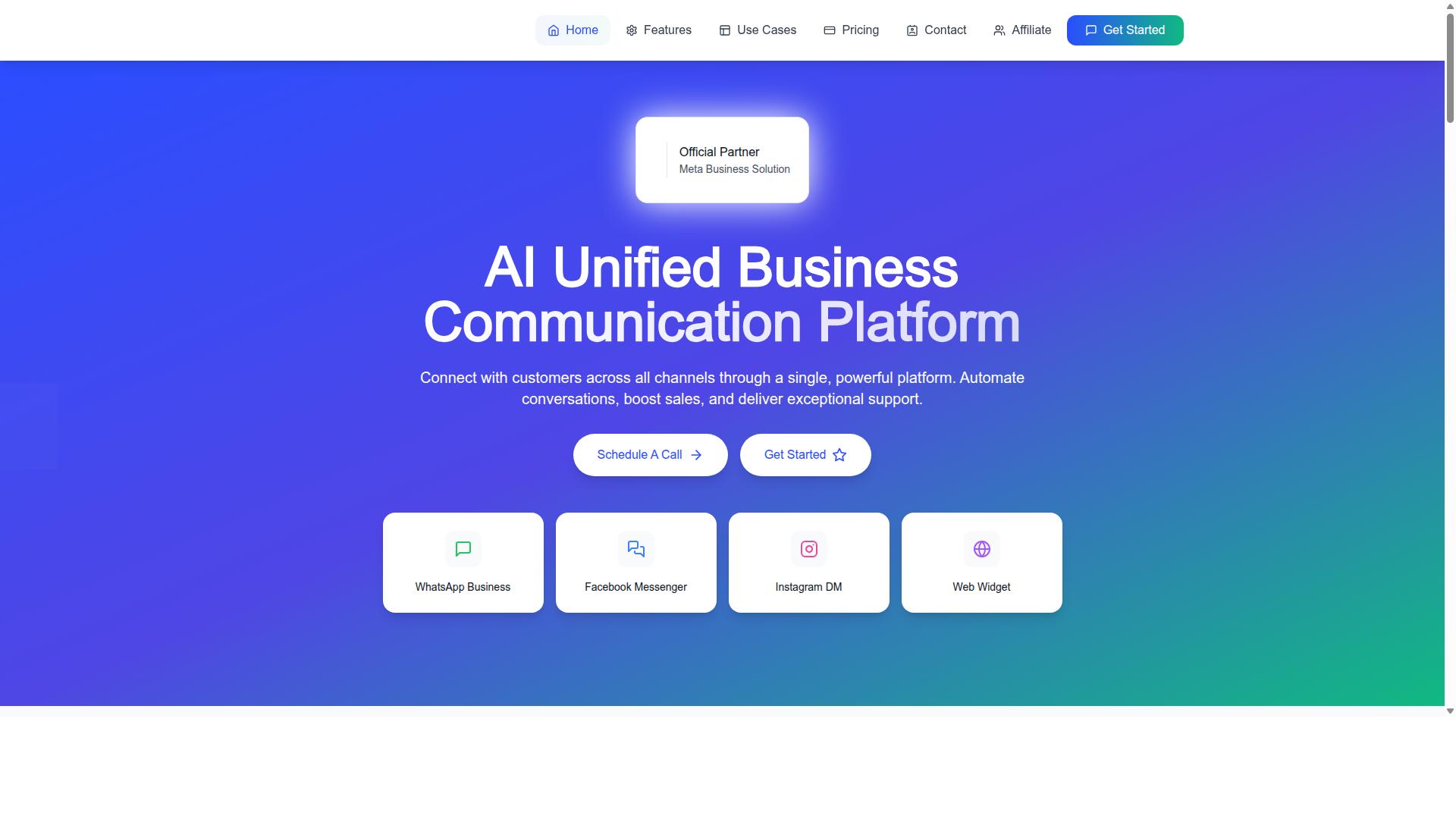
Com.bot is an AI Unified Business Communication Platform that connects customers across WhatsApp Business, Facebook Messenger, Instagram DM, and Web Widget through a single platform, enabling ecommerce stores to automate conversations without code.
The platform is built for merchants who want chatbot development without hiring developers. Its drag-and-drop interface lets teams map dialogue flow visually, then deploy the same bot across multiple channels.
Owned and managed by Com Bot AI Limited, Com.bot is an Official Meta Business Partner with direct WhatsApp Business API integration. That matters for ecommerce stores, where conversational commerce depends on reliable messaging infrastructure.
Instead of stitching together separate tools for chat, payments, and support, merchants work from one dashboard. This unified approach reduces the friction that usually slows multichannel deployment.
Key Features, Integrations, and Pricing Plans
Com.bot offers a drag-and-drop visual bot builder, native payments for WhatsApp transactions, and multichannel support for WhatsApp, Facebook, and Instagram, with pricing starting at $149 per quarter.
The visual bot builder is the core of the platform. Store owners arrange message templates, quick replies, buttons, and carousels into a flow that mirrors how shoppers actually browse and buy.
Key capabilities include:
- Visual Bot Builder with a drag-and-drop interface
- Unified Team Inbox for shared customer conversations
- Native Payments for WhatsApp transactions
- Multi-Channel Support across WhatsApp, Facebook, and Instagram
- Automation Builder with 1000+ integrations
- Bulk Messaging and order updates
- Smart Chatbots for notifications and payment collection
- Team Collaboration with role-based access
These features support common ecommerce use cases such as abandoned cart recovery, order tracking, FAQ automation, and product recommendations. A live chat handoff keeps a human in the loop when automation reaches its limit.
On the integration side, Com.bot connects through the WhatsApp Business API, Facebook Messenger, Instagram DM, and a website widget. The Automation Builder links to more than 1000 external tools, which helps stores sync bots with the rest of their stack.
Pricing is structured around quarterly plans:
| Plan | Price |
|---|---|
| Silver | $149 per quarter |
| Gold (recommended) | $349 per quarter |
| Platinum V1 | $2500 per quarter |
Additional team members can be added for $10 per month each. For stores weighing a no-code platform against custom development, that entry price keeps experimentation affordable.
Com.bot also offers related products: Tasks.Bot for enterprise-grade task automations, Tickets.Bot for event ticketing, and Calendars.Bot for AI appointment booking. Merchants who want to evaluate the builder can contact the sales team to discuss fit.
Recommended Resources: