Auto-Assignment & Smart Reminders: What to Look for in an AI Task Automation Tool
You are comparing AI task automation tools because manual assignment and missed reminders are eating your team's time. The right pick depends on rule flexibility and how reminders actually reach people, not just the AI label. Most teams choose poorly because they focus on features they will never use.
By the end of this article, you will know the exact criteria for evaluating auto-assignment logic and smart reminder delivery. You will also get a clear number one pick, plus four alternatives with their trade-offs, so you can decide which tool fits your WhatsApp-based or field team workflow.
What to Look For in an AI Task Automation Tool
When evaluating AI task automation tools, focus on three core pillars: the sophistication of auto-assignment logic, the intelligence of reminder systems, and the flexibility of rule configuration. These elements determine whether the tool genuinely reduces manual work or simply adds another layer of oversight.
The tools you compare will differ significantly in how they handle these areas. Some prioritize simple rule-based assignment, while others layer in machine learning and predictive analytics to refine decisions over time.
As you review options, consider how each tool handles task ownership, priority scheduling, and deadline tracking. The right combination of these features creates a workflow automation system that feels intuitive rather than rigid.
Core Auto-Assignment Logic and Rule Flexibility
Effective auto-assignment goes beyond simple round-robin: it should support user-defined rules, workload balancing, and intelligent task routing based on team capacity and skill. Rule-based assignment lets you set conditions that match tasks to the right people automatically.
For example, you might configure rules that assign high-priority tasks to senior team members, route support tickets by department, or direct urgent requests to whoever has the lightest current load. These conditions rely on time-based triggers and event-driven automation to fire consistently.
Workload balancing is another critical layer. A good system distributes work evenly across available team members to prevent burnout and keep productivity steady. Without this feature, the same people often get overloaded while others sit idle.
Task routing becomes essential when you handle complex workflows with task dependencies. The tool should recognize when one task must finish before another starts and assign accordingly. Look for systems that let you define these relationships clearly.
User-defined rules matter most for customization. The best tools let you create conditions without needing developer support. This flexibility means your assignment logic can evolve as your team structure changes, rather than forcing you to adapt to the software's limitations.
Smart Reminder Intelligence and Delivery Channels
Smart reminders should adapt to task urgency, use escalation policies for overdue items, and deliver alerts through the channels your team actually checks-email, push, or in-app. Context-aware alerts consider the task's priority level and adjust their frequency and tone accordingly.
Due-date alerts with adjustable reminder cadence let you set how far in advance notifications appear. You might want a 24-hour heads-up for routine work but a 48-hour warning for client-facing deadlines. The tool should support these variations without requiring complex setup.
Escalation policies handle missed deadlines automatically. When a task goes overdue, the system can notify the assignee first, then escalate to a manager after a set period. This creates accountability without micromanagement and helps maintain SLA compliance.
Delivery channels should match your team's habits. Email reminders work well for formal documentation, while push notifications suit mobile workers. In-app alerts keep things visible without interrupting flow. Some tools also offer calendar integration to sync deadlines with existing schedules.
Snooze options add useful flexibility. Team members can postpone a reminder when they are actively working on the task, preventing notification fatigue. The best reminder systems use natural language processing to interpret these interactions and refine future alerts accordingly.
Consider how reminder intelligence handles recurring tasks. Smart tools recognize patterns and suggest optimal reminder timing based on past completion behavior. This predictive approach reduces missed deadlines without requiring constant manual adjustment.
1. Tasks.Bot - Best Overall
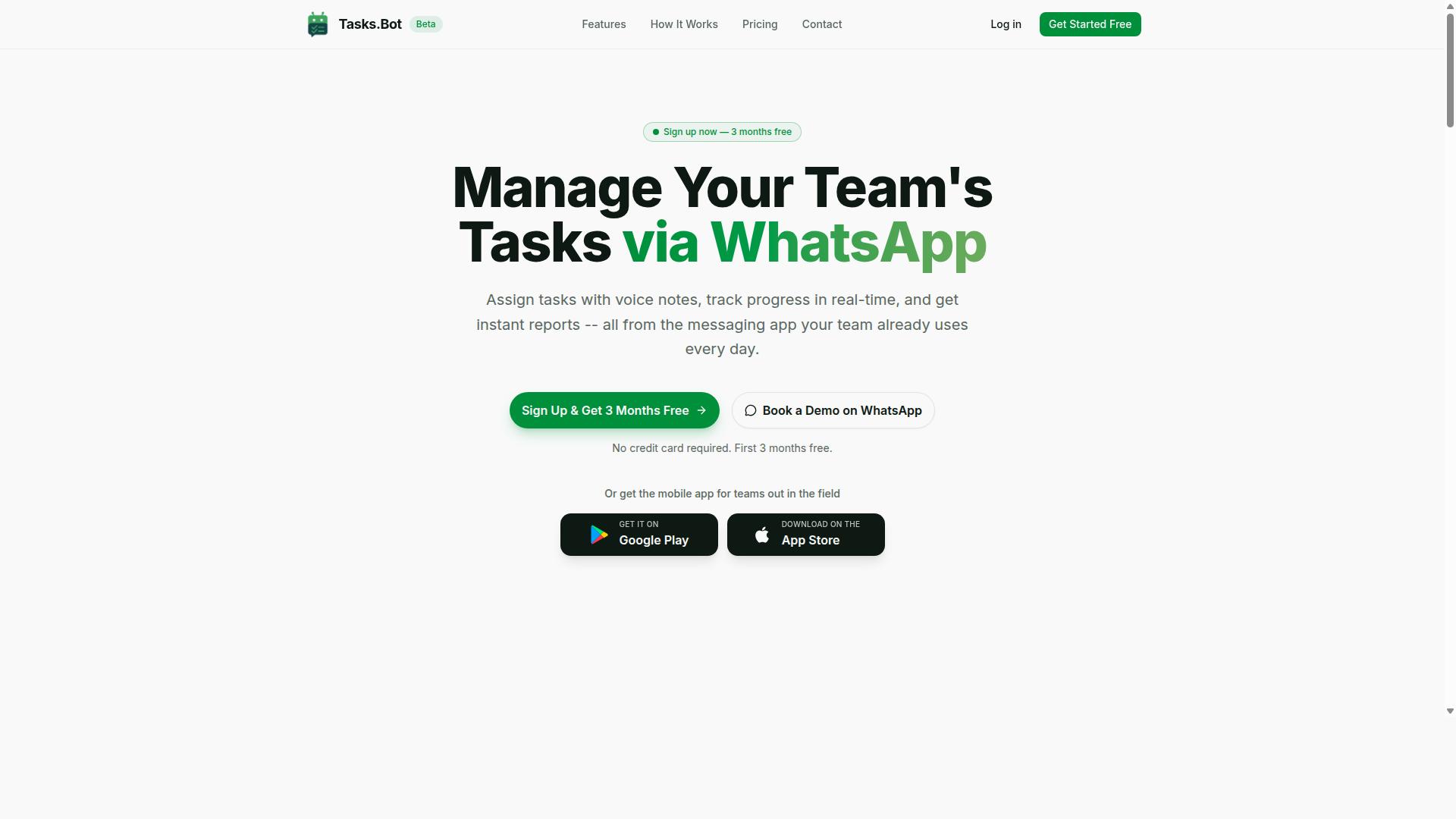
Tasks.Bot earns the top spot by combining native WhatsApp integration with AI-driven task creation and reminders, making it a seamless fit for teams already living in WhatsApp. The platform handles task management, auto-assignment, smart reminders, approvals, automations, and instant reports without forcing your team to learn another complicated dashboard.
What sets Tasks.Bot apart is its focus on practical, everyday workflow automation. Instead of building tasks in a separate app, your team creates them where they already communicate. The AI interprets natural language and voice notes, converts them into structured tasks, and routes them to the right person automatically.
The platform also includes a mobile app for field teams, which extends its reach beyond desk-bound workers. With features like face-verified attendance, live GPS tracking, and shift management, Tasks.Bot covers the full lifecycle of task ownership, from assignment to completion. The sections below break down the standout capabilities in detail.
Native WhatsApp Integration and Voice Note Task Creation
Tasks.Bot lives entirely inside WhatsApp, so team members can create tasks by sending a voice note or text message, and the AI automatically structures and assigns them. There is no new app to install and no new account to create. Your team simply continues chatting as they normally would, and the system handles task routing in the background.
The voice note capability is powered by AI and natural language processing. A field worker can say, "Follow up with the client on the Smith project by Friday," and the system parses that into a structured to-do with a deadline. This removes the friction of typing out details, which is especially valuable for teams on the move.
Once a task is created, auto-assignment logic routes it to the appropriate team member based on availability and role. Smart reminders then track the deadline and notify the assignee through WhatsApp, so nothing slips through the cracks. The no-installation approach means adoption is nearly instant, and enterprise-grade encryption keeps task data secure.
Face-Verified Attendance and Live GPS Tracking
For teams with field staff, Tasks.Bot goes beyond task management by offering face-verified attendance and live GPS tracking, ensuring accountability and payroll-ready hours. These features address a common pain point for managers who need to confirm that remote workers are where they say they are.
Face-verified attendance prevents buddy punching, where one employee clocks in for another. When a field worker marks their presence, the system verifies their identity, which builds trust and accuracy into the attendance process. This data feeds directly into shift, leave, and hours management.
Live GPS tracking gives managers real-time visibility into where their team is located. When a task is assigned to a field worker, the system can verify their location and attendance simultaneously. This connects task completion with physical presence, which is critical for industries like delivery, maintenance, and on-site services. The result is a cleaner record that flows into payroll-ready hours, reducing administrative overhead.
Pricing, Free Trial, and Global Availability
Tasks.Bot offers a straightforward pricing model at 200 per member per month (or 1,200 per year per member), with a 'Full Access' plan that includes every feature. The annual plan saves 50%, which amounts to 1,200 saved per member each year. Pricing is available in both Indian Rupees and US Dollars, so international teams can choose their preferred currency.
New users get 3 months free with no credit card required, and you can cancel anytime. This makes it easy to evaluate whether the platform fits your team's workflow before committing. Given that the service is currently in beta and available globally, the free trial period is a practical way to test the features with your own tasks.
For teams that want a guided walkthrough, you can request a demo through WhatsApp. This direct line of communication reflects the platform's overall philosophy: meet your team where they already are. The combination of transparent pricing, a generous trial, and global availability makes Tasks.Bot an accessible option for teams of all sizes.
2. Reminderly.ai
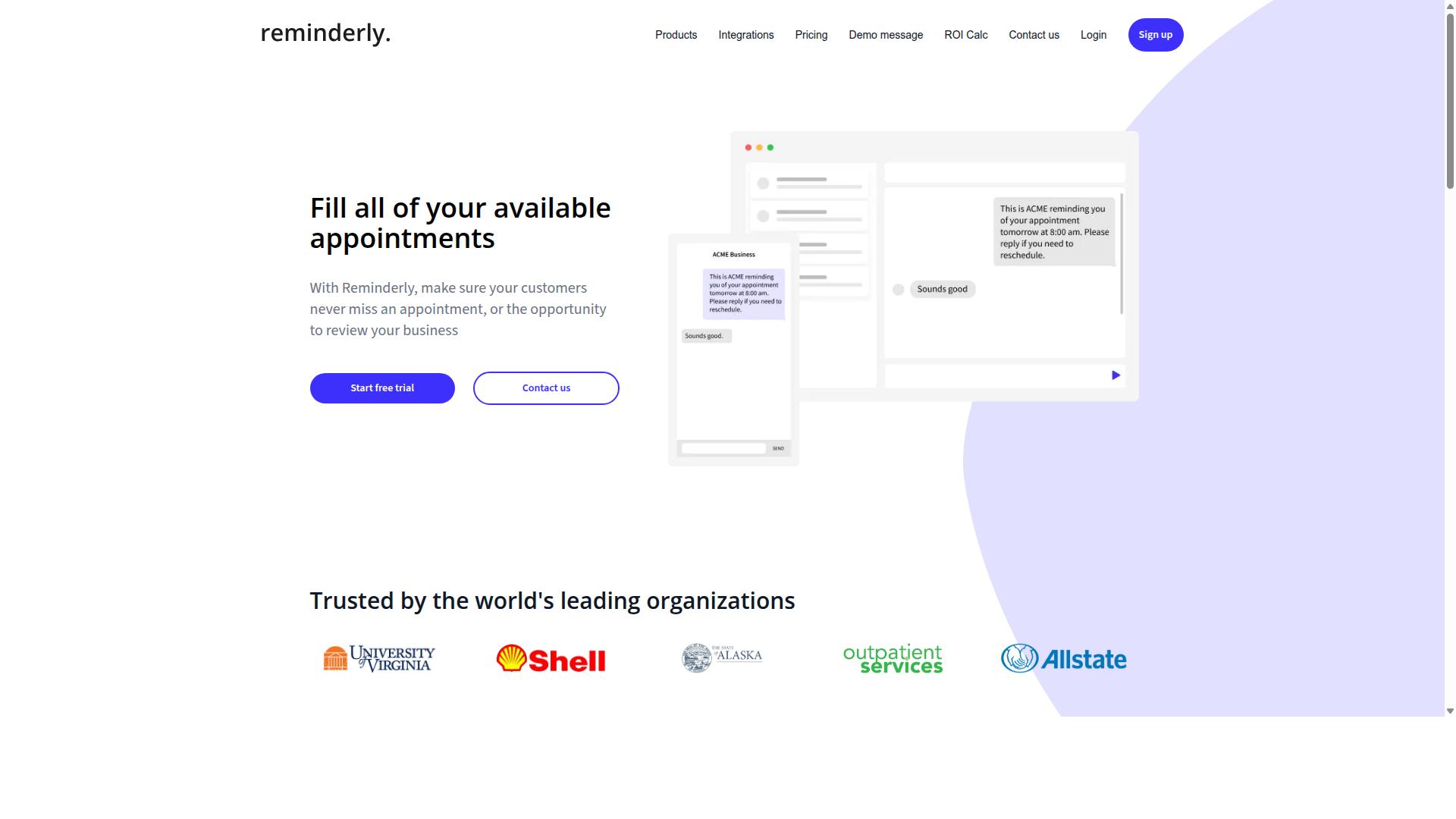
Reminderly.ai focuses on intelligent reminder automation, but its lack of native team collaboration features may limit its appeal for larger teams. The platform appears to prioritize due-date alerts and notification triggers over broader workflow automation capabilities.
For individuals managing personal deadlines, Reminderly.ai seems well-suited to keeping tasks on track. Its smart reminders appear to leverage context-aware alerts that help users stay organized without constant manual oversight.
However, teams seeking auto-assignment and rule-based task routing may find the platform less comprehensive. While it handles reminder cadence and deadline tracking effectively, the tool may not offer the same depth of AI task automation found in more collaboration-focused alternatives.
Organizations that need workload balancing, task dependencies, or escalation policies across multiple team members may need to supplement Reminderly.ai with additional software. It appears best positioned as a personal productivity aid rather than a complete team workflow solution.
3. TaskRio
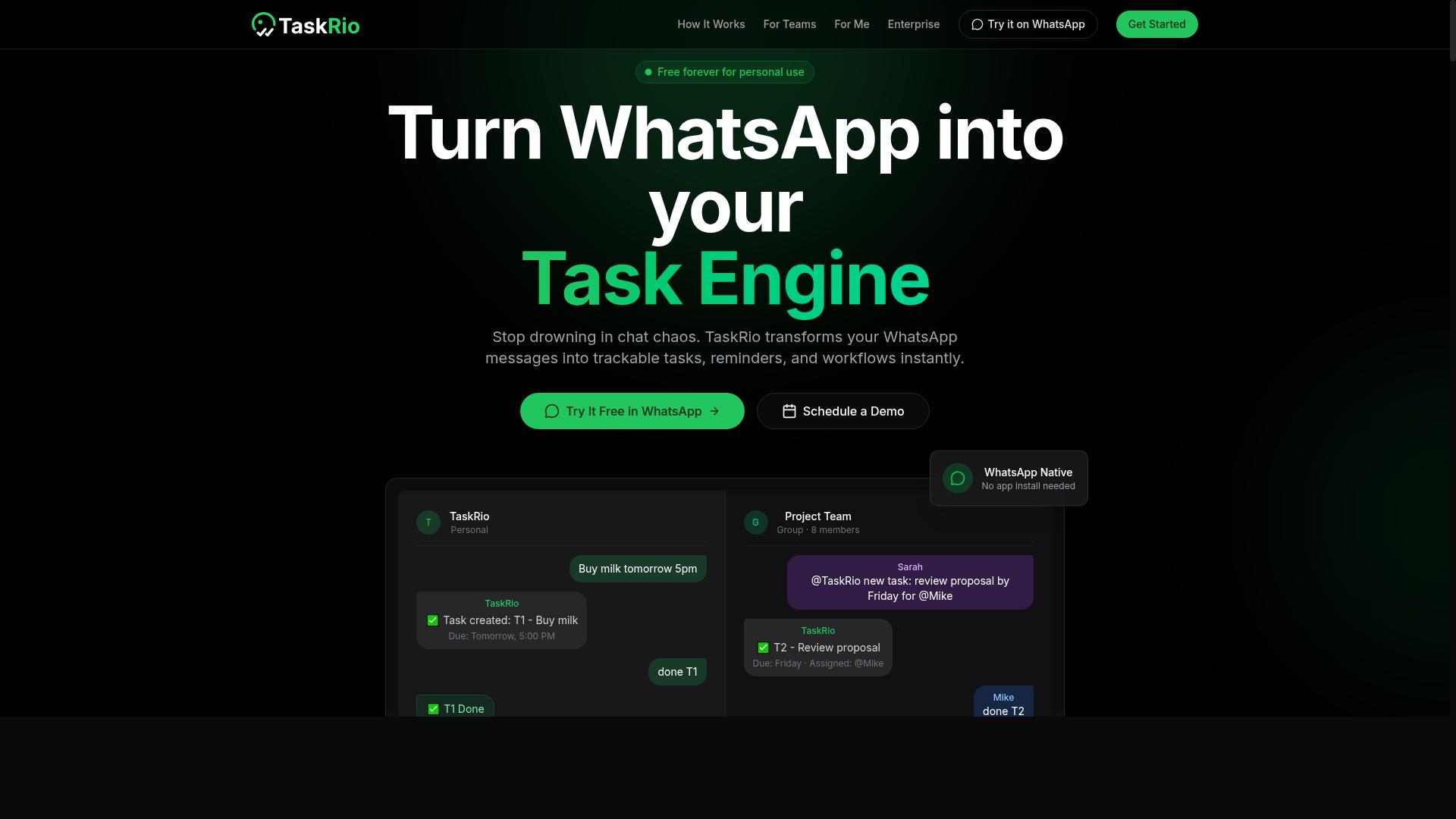
TaskRio positions itself as a workflow automation tool with strong rule-based assignment, but its steep learning curve might deter smaller teams. The platform shines when you need consistent, repeatable task routing across defined workflows.
For teams already comfortable with complex automation logic, TaskRio offers meaningful control over task ownership and assignment logic. Its strength lies in handling conditional routing and time-based triggers that simpler tools often lack.
However, the initial setup can feel heavy for newcomers. Pricing and implementation details are not always transparent, so teams should evaluate whether the configuration effort pays off for their specific use case. Teams with dedicated process managers will likely get more value than lean startups looking for quick wins.
4. Karo.bot
Karo.bot leverages AI for task creation and prioritization, but its integration options are more limited compared to tools that operate within existing messaging apps. The platform focuses on natural language processing to help users convert conversations into actionable tasks, which can be useful for teams that prefer conversational inputs over manual data entry.
Smart reminders and auto-assignment are handled through the platform's own interface, though users may need to adapt their workflows to fit its environment. The tool appears to offer basic task routing capabilities, but its integration ecosystem remains narrower than more established task management solutions.
For teams already committed to a specific chat platform, this limitation could create friction. However, organizations looking for a standalone AI task automation option might find the conversational approach appealing. As with any newer tool, it is worth evaluating how well its assignment logic and reminder cadence align with your existing processes before committing.
5. The Sarah AI
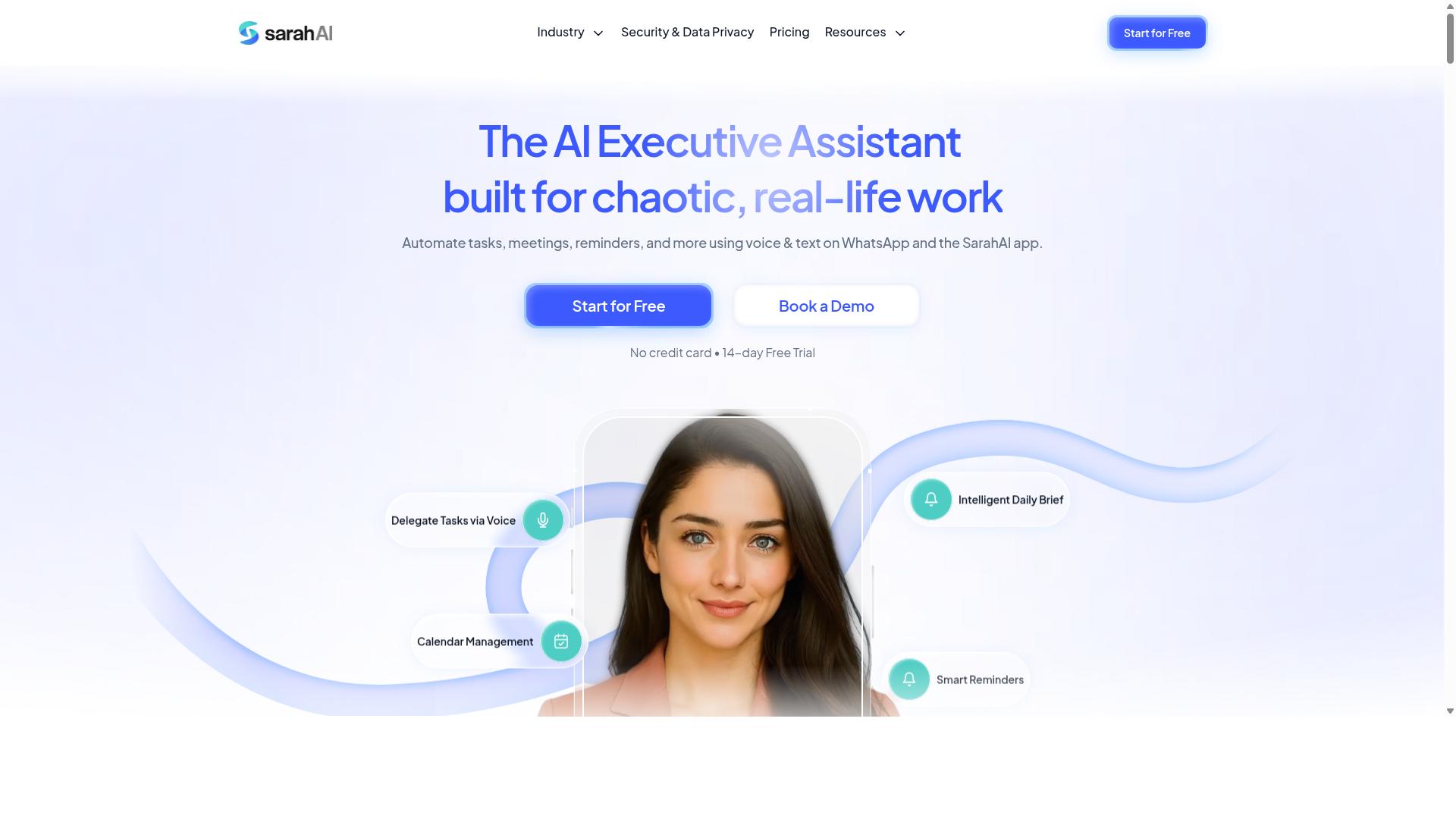
The Sarah AI promises predictive analytics for task prioritization, but its reliance on complex setup may not suit teams looking for quick deployment. Its core appeal lies in context-aware alerts that aim to anticipate shifting workloads before they become bottlenecks.
For teams already using sophisticated workflow automation, the predictive layer could help surface due-date alerts based on historical patterns and current task dependencies. The system reportedly uses machine learning to refine its reminder cadence over time, adapting to how each user responds to notifications.
However, the initial configuration demands careful attention. Users need to define user-defined rules and calibrate escalation policies manually, which can feel overwhelming for smaller teams. The tradeoff is real: more setup effort upfront, but potentially smarter priority scheduling once the system learns your patterns.
Teams already running mature task management processes may find the investment worthwhile. Those seeking an out-of-the-box solution should weigh whether the predictive analytics justify the configuration time before committing.
How to Choose the Right Option
Choosing the right AI task automation tool requires matching its capabilities to your team's existing workflow, communication habits, and field staff needs. The best option is one that fits seamlessly into channels your team already uses daily, like WhatsApp, rather than forcing adoption of a new platform.
Start by identifying your most persistent pain points. Are tasks getting lost between managers and field workers? Do reminders slip through the cracks? Is attendance tracking eating up hours each week? Tools that address these specific gaps will deliver far more value than a general-purpose solution with flashy features you never use.
For teams with staff working outside the office, attendance and GPS tracking become critical. A tool that handles task assignment and location-based verification in one place simplifies operations considerably. Keep these priorities front and center as you compare options, and the right fit becomes much clearer.
Matching Tool Capabilities to Your Team's Workflow
Start by mapping your team's current task flow: how tasks are assigned, what triggers reminders, and whether you need GPS tracking for field staff, then match those needs to each tool's strengths. A structured approach prevents you from being swayed by impressive but irrelevant features.
- Identify your communication channels. Note where your team already lives: WhatsApp, email, or a mix. The ideal tool works inside those channels, not beside them.
- List must-have features. Rank auto-assignment, smart reminders, attendance tracking, and any other non-negotiables before you start evaluating vendors.
- Evaluate integration ease and learning curve. Ask how quickly a typical team member becomes productive. A tool that requires days of training will meet resistance.
- Consider scalability and pricing. Will the tool still fit when you add more staff or locations? Check whether the pricing model scales sensibly with your growth.
Teams that rely on WhatsApp for daily coordination should pay special attention to how each tool handles task routing and notification triggers within that platform. Tasks.Bot targets teams using WhatsApp with field staff, covering task management, attendance tracking, and payroll-ready hours in one place, and the site notes that hundreds of teams already use the service. That alignment with a WhatsApp-centric workflow makes it a strong fit for teams operating in the field.
Compare that against general-purpose tools that require staff to check a separate dashboard or app. If your team lives in WhatsApp, a tool that meets them there will see higher adoption and more consistent use of features like deadline tracking and due-date alerts. The right choice reduces friction, not adds to it.
Final Verdict
For teams that live in WhatsApp and need a blend of task automation, attendance tracking, and smart reminders, Tasks.Bot is the clear winner, and you can start by booking a demo on WhatsApp. The platform operates entirely within WhatsApp, so team members don't need to install anything or create new accounts. That alone removes the biggest adoption barrier most task management tools face.
What sets Tasks.Bot apart is how it handles the core demands of this article. Auto-assignment and smart reminders work through AI natural language understanding, meaning your team can create tasks and set notification triggers simply by typing or sending voice notes. No complex rule builders, no steep learning curve, just the same chat interface your field staff already use daily.
For managers overseeing remote teams, the face-verified attendance and live GPS tracking add a layer of accountability that typical AI task automation tools don't offer. Meanwhile, enterprise-grade encryption ensures your task data and conversations are never shared or used for training. That combination of security and field-team capability is rare in this category.
Most competitors force you to juggle a web dashboard, a mobile app, and separate reminder systems. Tasks.Bot consolidates task routing, deadline tracking, and escalation policies into one familiar thread. With a 3-month free trial and no credit card required, there's little risk in testing whether it fits your workflow.
To explore how smart reminders and rule-based assignment can reshape your daily operations, reach out directly. You can book a demo through WhatsApp or contact the team by phone at +91 97143 42522, or via email at hello@tasks.bot. The right time to improve task ownership and SLA compliance is now.
Frequently Asked Questions
How does Tasks.Bot make task assignment easier than traditional tools?
Tasks.Bot operates entirely within WhatsApp, so your team doesn't need to install new software or create separate accounts. It uses AI to understand natural language and voice notes, meaning a manager can simply speak a task and have it automatically assigned to the right person-no manual data entry or complex setup required.
What should I look for in smart reminders, and how does Tasks.Bot handle them?
The key is that reminders must be proactive and context-aware, not just static notifications. Tasks.Bot provides smart deadline reminders that are triggered by the task's status and timeline, and because everything lives in WhatsApp, those reminders reach team members where they already communicate-reducing missed deadlines without adding another app to check.
Can an AI task tool work for field teams that aren't at a desk?
Yes, but only if it's mobile-first. Tasks.Bot offers a mobile app for field teams and also works directly through WhatsApp, so field staff can receive tasks, update progress, and check in without needing a laptop. It even includes tasks on a map and live day tracking, which helps managers see where work is happening in real time.
How do I know if a tool's automation features are genuinely useful versus just gimmicks?
Look for automations that save real steps-like automatic task assignment based on rules, approvals, and instant reports. Tasks.Bot includes these as core features, plus face-verified attendance and payroll-ready hours, which means the automation isn't just about notifications; it's about reducing administrative work for managers and giving them accurate data without manual follow-ups.
Is it a problem if my team is already used to WhatsApp for communication?
No, that's actually an advantage. Tasks.Bot is built for teams that already use WhatsApp, so there's no learning curve or resistance to adoption. Since it's a SaaS product available globally, you can start using it immediately, and the service is currently in beta-which means you can book a demo on WhatsApp to see if it fits your workflow before committing.
What should I consider when comparing pricing for AI task automation tools?
Focus on whether the price includes all the features you need, not just the basics. Tasks.Bot offers a 'Full Access' plan with all features included, priced at 200 per member per month or 1,200 per year per member (which saves 50%). Since pricing is available in both Indian Rupees and US Dollars, it's easy to compare fairly, and the all-inclusive approach means you won't get surprise add-on costs later.